
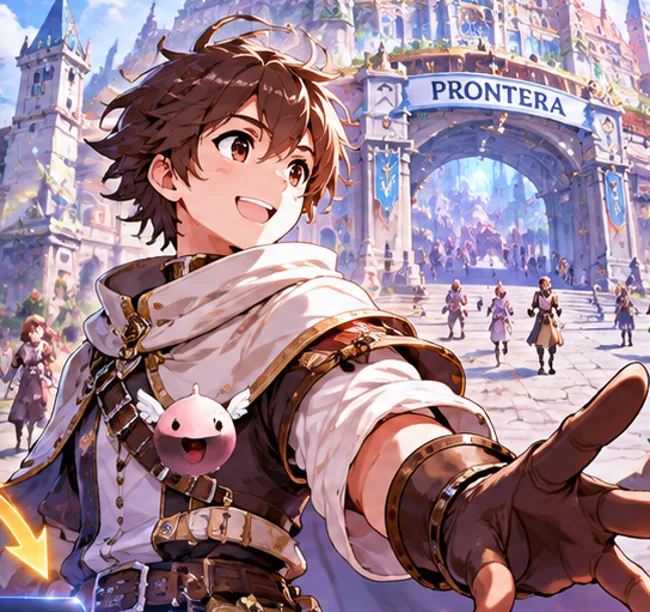
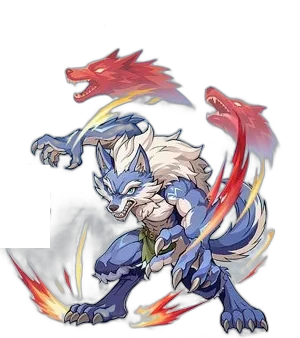
 ✦DRUID / 01
DRUID FORM
Werewolf
Get up close with a physical, melee-focused form built for the heart of the fight.
MELEE · PHYSICALThe first open-world RO. One character, eight classes, every screen.
Free-to-play · In-game purchases · PC via Steam
Copy this page link and send it to yourself to open on your PC.
No level loss on failure, your gear stays intact.
Steam describes refinement with no level loss or gear breakage on failure. Some community tools model level loss; check the rules in game before refining.
Ready when you are.
Illustrative only, based on the Steam description; not the game or an official simulator. Rates and outcomes may differ in game.
Keep your adventure moving, even when your day takes you elsewhere.
Explore an illustrative XP estimate using your own assumptions, and make room to try a different build.
Illustrative icons, not a list of in-game rewards.


Enter your own values. No game rates are pre-filled.
Calculator input limits: 0–720 hours and 0–1,000,000,000 XP per hour. These are not game limits.
Illustrative arithmetic only, not an in-game rate or prediction. Actual rewards, eligibility, limits and conditions may differ; check in game.
Switch things up without leaving your character behind. Meet the Druid's three forms, or explore the rest of the roster.
Druid form artwork adapted from a promotional image published by BlueStacks. Other class image is a general Steam screenshot.
✦DRUID / 01Get up close with a physical, melee-focused form built for the heart of the fight.
MELEE · PHYSICAL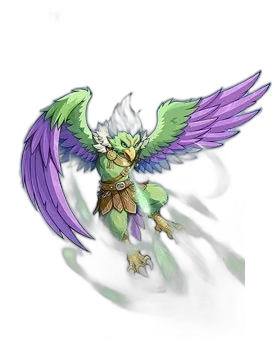 ❖DRUID / 02
Take to the air and approach combat with a mobile, physical playstyle.
MOBILITY · PHYSICAL ✺DRUID / 03
Channel elemental magic in human form and shape the battlefield from a distance.
MAGIC · ELEMENTAL ✧THE ROSTER / 04
Discover Swordsman, Mage, Archer, Acolyte, Thief, Merchant and Gunslinger alongside the Druid.
SEVEN MORE WAYS TO PLAYA few things to know before you begin your adventure on PC.
| SPEC | MINIMUM | RECOMMENDED |
|---|---|---|
| Operating system | Windows PC | — |
| Memory | 12 GB RAM | 16 GB RAM |
| Storage | 30 GB | — |
| Network | Broadband | Broadband |
| Performance | — | Up to 120 FPS supported |
FPS depends on your hardware and settings. Check Steam for current requirements.
Copy this page link and send it to yourself to open on your PC.
Explore official screenshots and a trailer from the Steam store page.
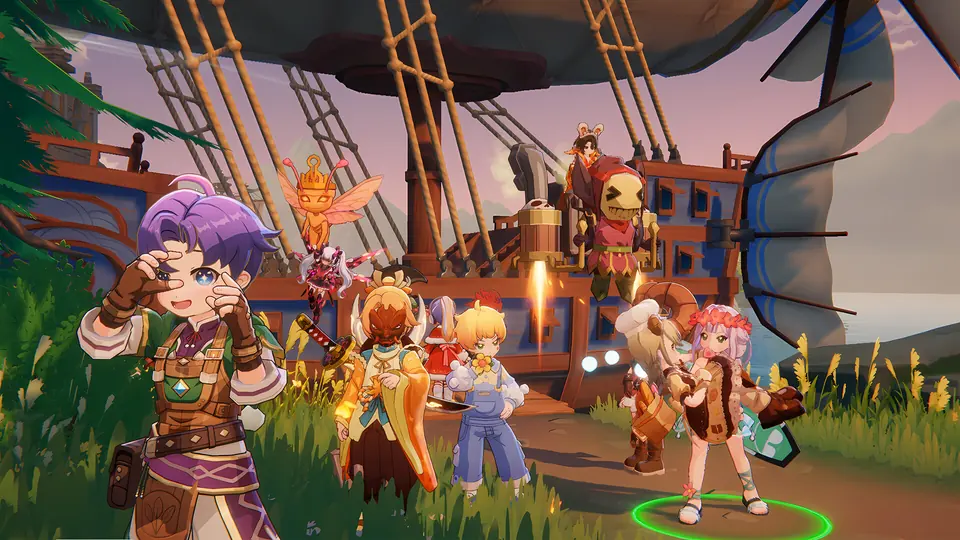
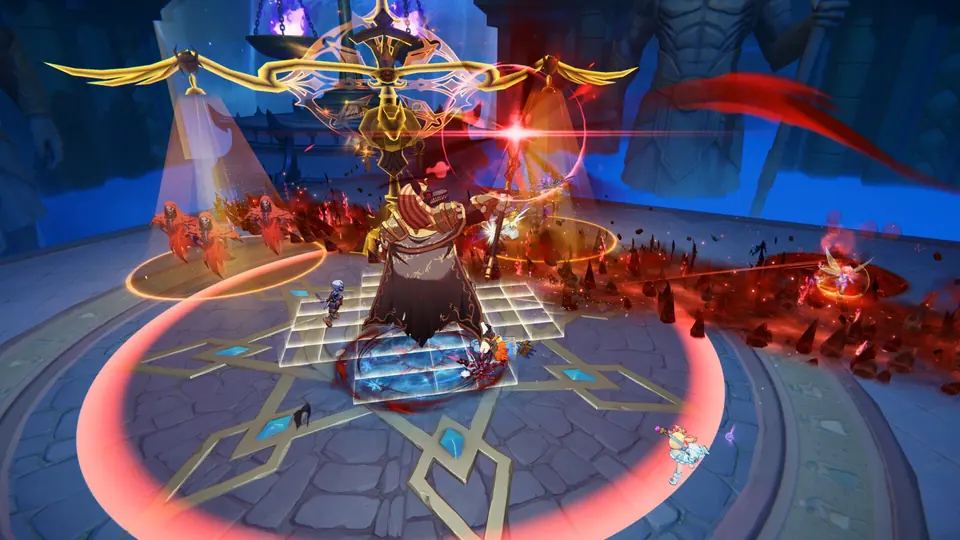
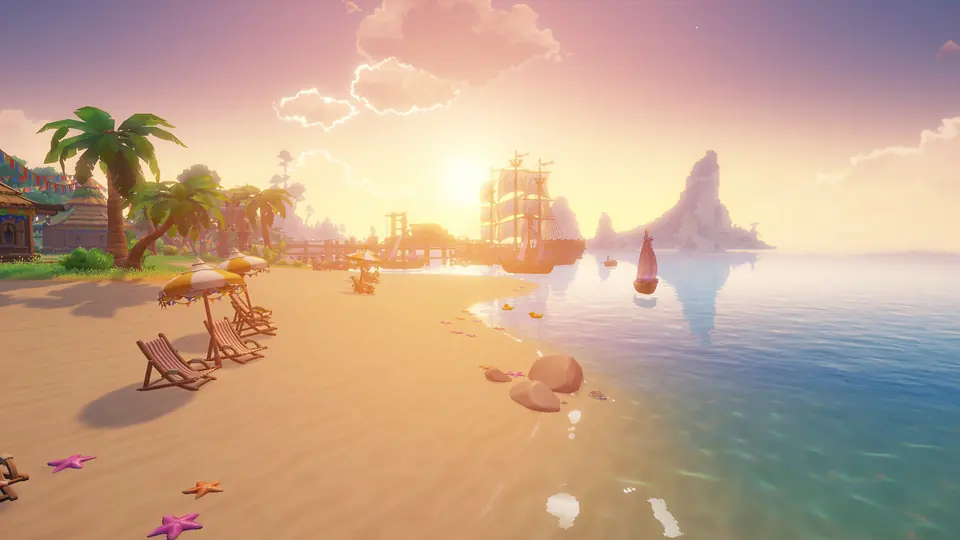
Screenshots and trailers sourced from the game's Steam store page. All game media belongs to its respective rights holders.
The details, without the guesswork.
Yes. Ragnarok: The New World is free-to-play and includes in-game purchases. An auction house and trading are part of the experience; Steam player reviews are mixed, so read recent reviews and decide for yourself.
Yes. You need to create a Gravity account through the game launcher, even when playing through Steam.
Progress is shared across supported platforms. Use the same Gravity account and check that you are on the same server and region.
This is a separate open-world MMORPG set in the Ragnarok universe, with updated visuals, cross-platform play and its own progression. It is not the original 2002 game.
A familiar world. A new adventure. Find your way in.
Play free on Steam